Healthcare Example: Secure Browser

Healthcare systems host our most sensitive information. This data needs to be secured robustly, at the same time as being accessible at the point of care across different organisational and physical boundaries.
Prisma Browser is a secure enterprise browser, extending security controls and data protection directly into the browser session.
This post will walk through three simple sections: Onboard, Protect, Reveal, demonstrating how a secure browser can start protecting patient data on day one.
Onboard
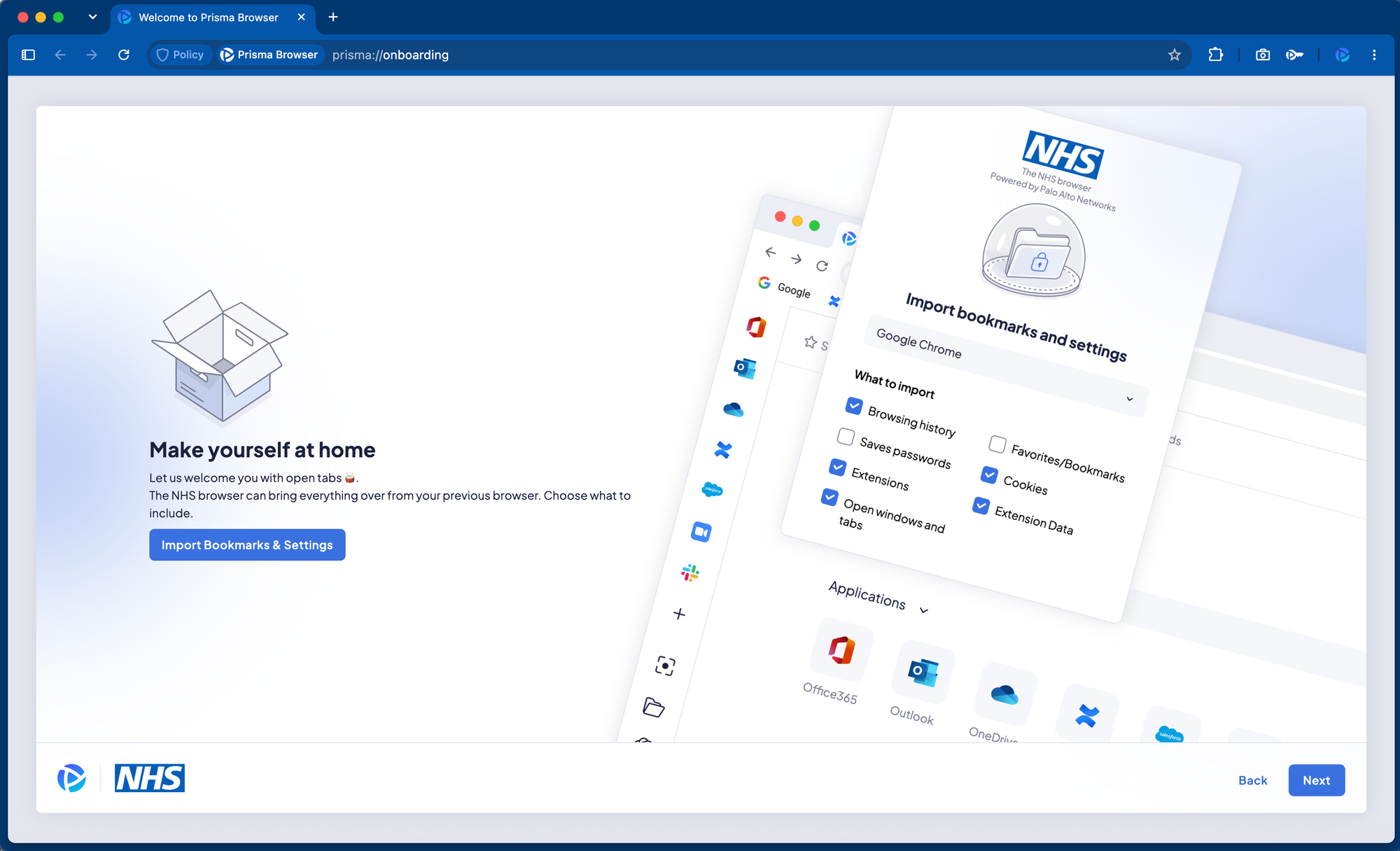
Prisma Browser is built on a hardened native Chromium workspace. It has a familiar feel to the end user, and existing bookmarks and settings can be imported. Because it is a full browser rather than an extension, it has complete visibility and control over the session directly within the Document Object Model (DOM), and cannot be circumvented or overridden locally.
Admin rights are not required to install the browser and it is supported on a wide range of device types, including mobile. Prisma Browser can be deployed to both managed and unmanaged devices using self-service or standard enterprise software distribution tools. This is a genuine advantage for agency and locum staff, contractors, and other users who move between organisations without a persistent managed device.
The same model applies to research and pharma partners, supplier remote support, and access to national systems or reporting portals, all common sources of third-party browser-based access that don't fit into a standard managed-device model.
Browser settings, security policy, branding, and customisation are all managed through Strata Cloud Manager (SCM), which integrates the SASE fabric into the organisation's Identity Provider (IdP) to control access based on user and group mappings. Different configurations can be applied to different groups (e.g. clinical users and finance users) and use cases (e.g. third-party or agency staff).
IdP conditional access policies can be used to lock down access to corporate applications so they're only reachable through Prisma Browser. The browser itself can enforce Just-In-Time access and step-up MFA, particularly useful for legacy web applications that don't natively support MFA. Together with continuous device posture checks, this is Zero Trust applied at the point of use: access is never assumed, and is re-evaluated as context changes.
Protect
Prisma Browser protects against malicious websites, zero day malware, phishing attempts, credential theft, and other web-based threats using local security engines. Verdicts are made locally where possible, escalating to Cloud-Delivered Security Services for deeper analysis if required.
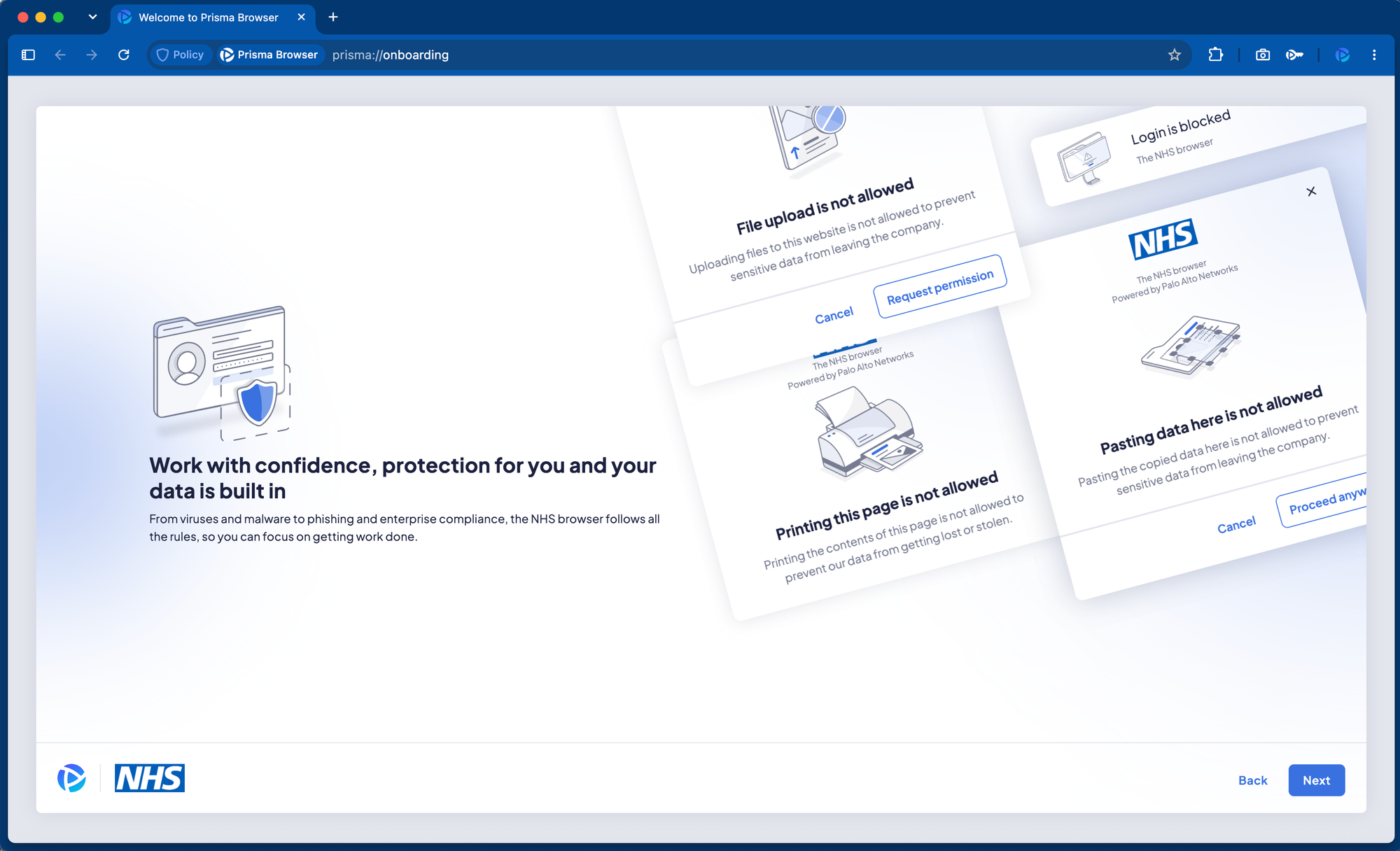
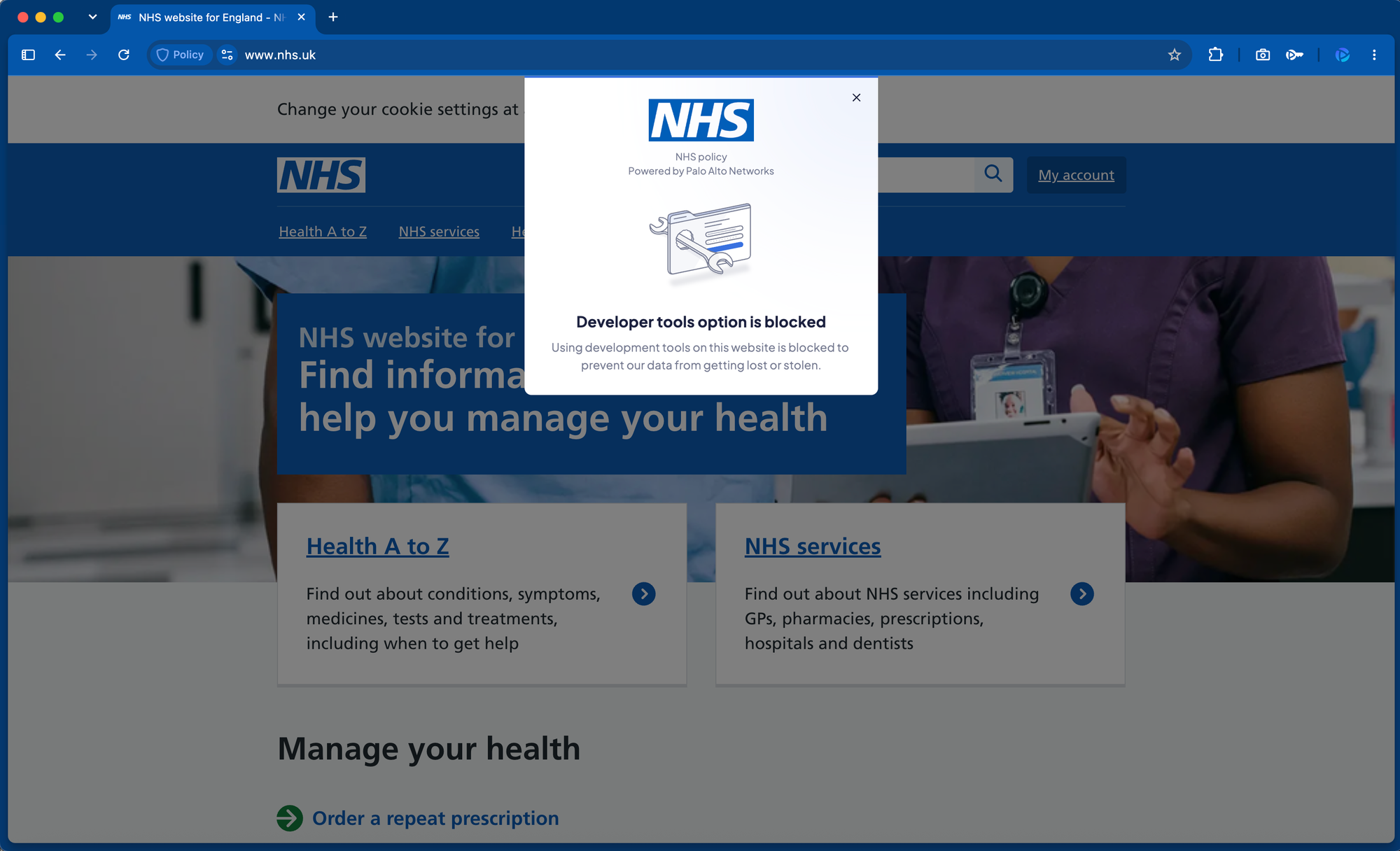
The strongest use case for Prisma Browser is protection of patient data at the point it's used. Since websites and applications are rendered directly within the browser, sensitive data patterns can be identified inside the page itself and automatically redacted or masked in real time.
User privacy is preserved with local inspection that does not require network decryption or certificates. Device posture is checked continuously and independently, so conditional access can adapt if posture changes mid-session.
Example data loss controls include:
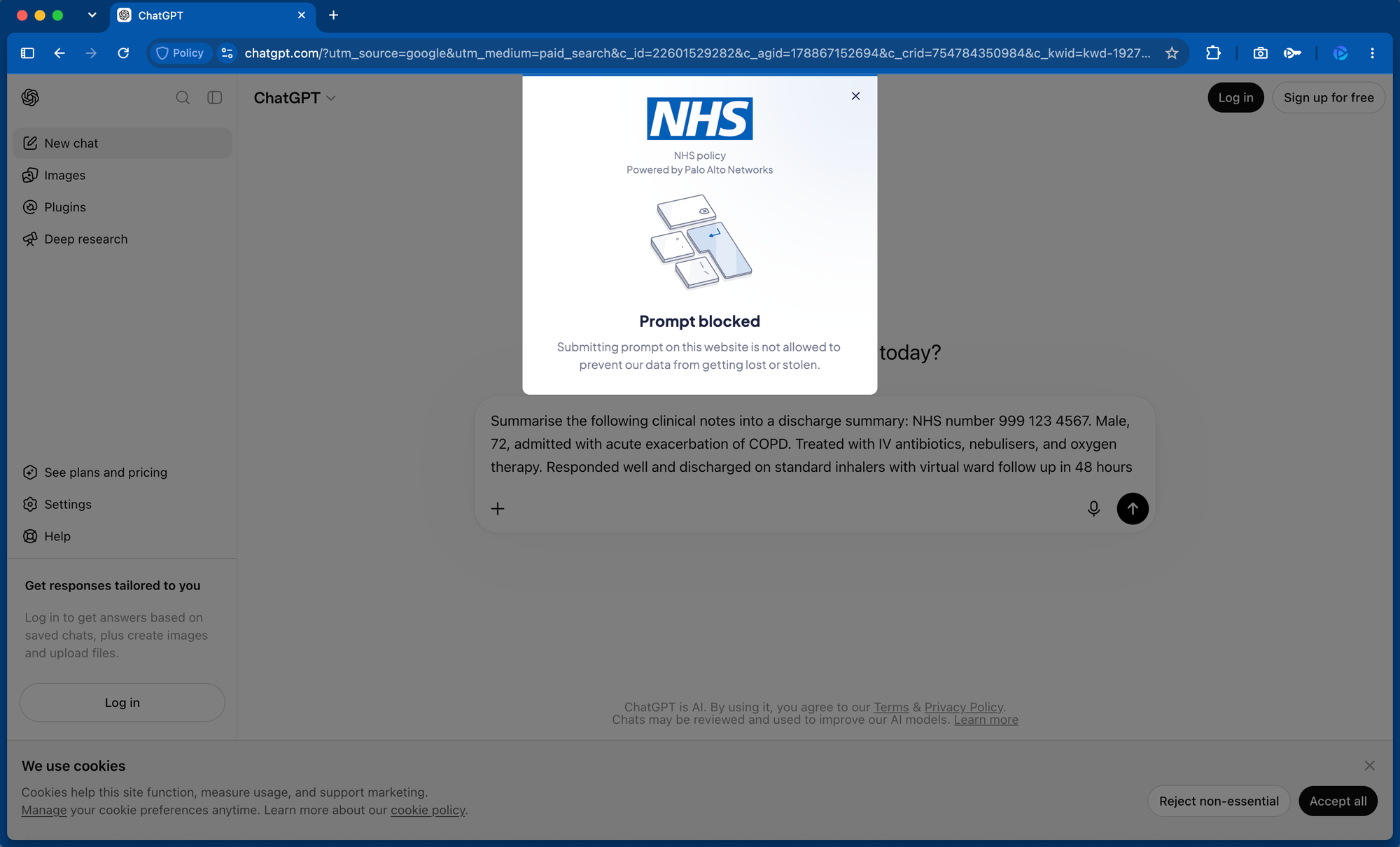
- Preventing patient notes being copied out of the EPR into unmanaged apps such as WhatsApp or ChatGPT
- Preventing PII being printed to an unmanaged home printer
- Redacting or masking PII accessed or typed on a compromised or vulnerable device
- Preventing upload or download of sensitive information within SaaS and AI applications, including prompts
- Preventing file transfers between corporate and personal accounts
- Preventing screenshots or screen sharing of EPR systems
- Applying transparent watermarks over highly sensitive records to deter photographs of the screen
Reveal
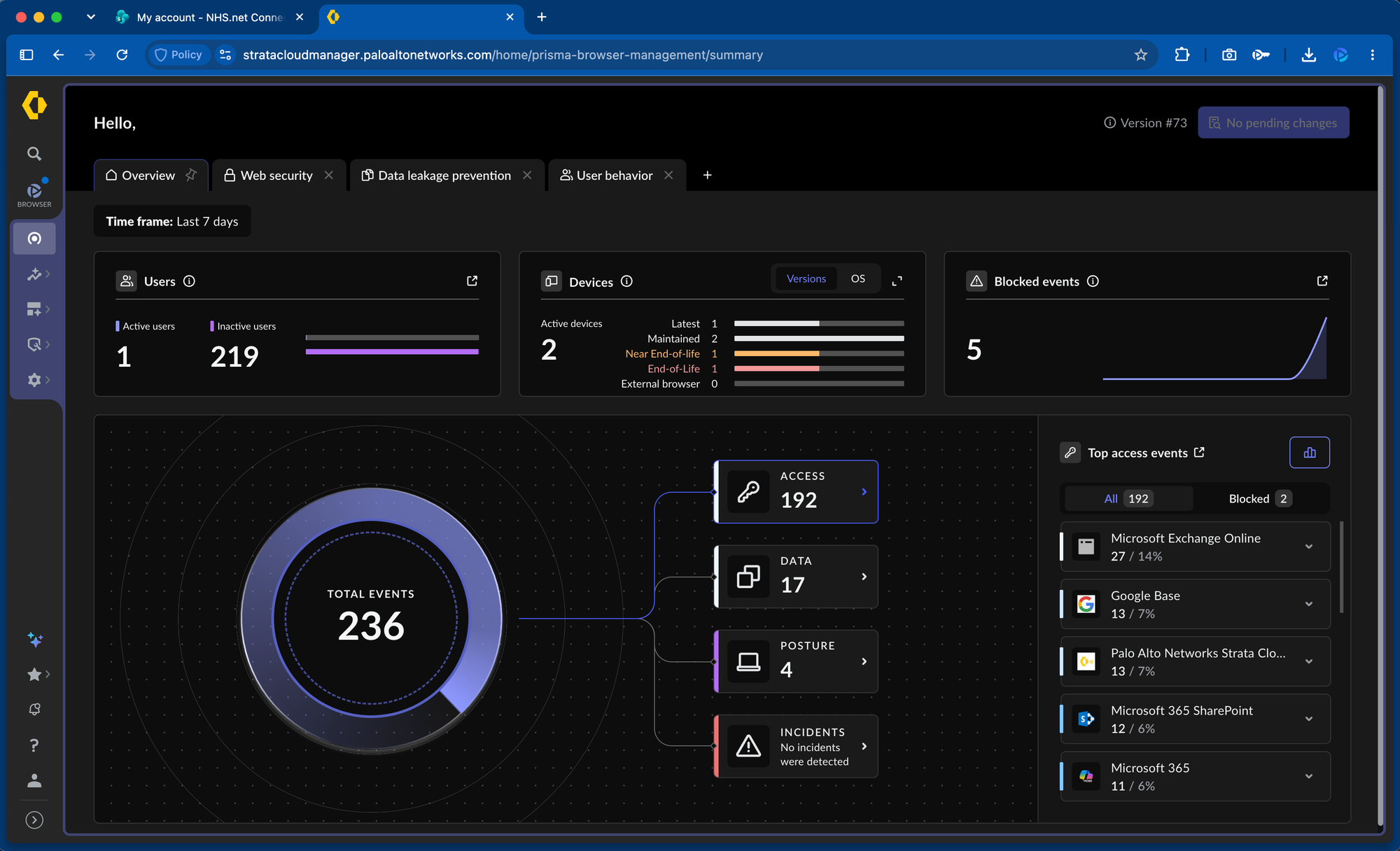
Every action inside a Prisma Browser session is visible from Strata Cloud Manager, which manages the complete SASE platform. This includes application usage, data movement, policy hits, and device posture across the entire browser estate.
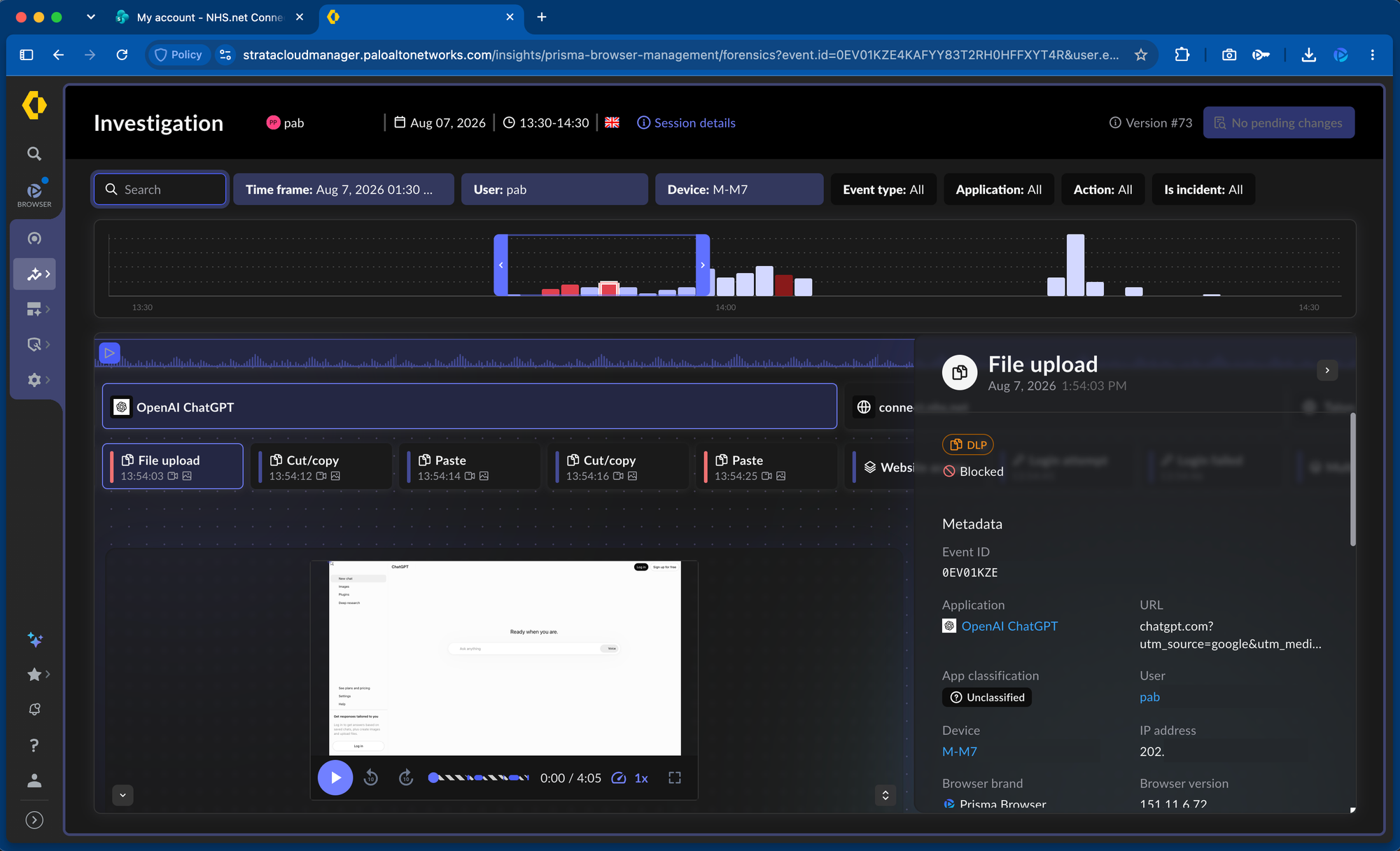
Screenshots and event recordings provide session-level detail where it's needed, tied to individual users. This helps give context to the intent of an action or attempt, rather than just a system time stamp. Deep visibility into browser work enables several use cases:
- Identifying shadow AI and unsanctioned SaaS use across clinical and corporate teams
- Reconstructing what a specific user viewed, copied, or attempted, in response to an inappropriate access concern
- Evidencing data flows for an ICO breach notification without having to piece events together manually
- Responding to subject access requests with a clear record of who accessed a given record and what they did with it
- Producing audit-ready evidence for CQC inspection or internal governance review
In summary, Prisma Browser brings the same controls used across the rest of the platform directly into the browser session, where the majority of clinical staff, agency workers, and third parties actually do their day-to-day work.
Protection applies at the point patient data is used, and every session remains visible and reconstructable. This gives healthcare organisations a single, consistent way to secure browser-based access to patient data, without adding a new console or operational burden to an already stretched estate.
Prisma Browser operates both standalone and as part of a full SASE platform. It integrates natively into the SASE ecosystem, making use of Prisma Access for private application access and defence-in-depth.
If you want to read more about this topic, and how some of the concepts discussed here work, you can also check out Prisma Browser Introduction and Prisma Browser Usage Models.